Feasibility comes before equipment selection
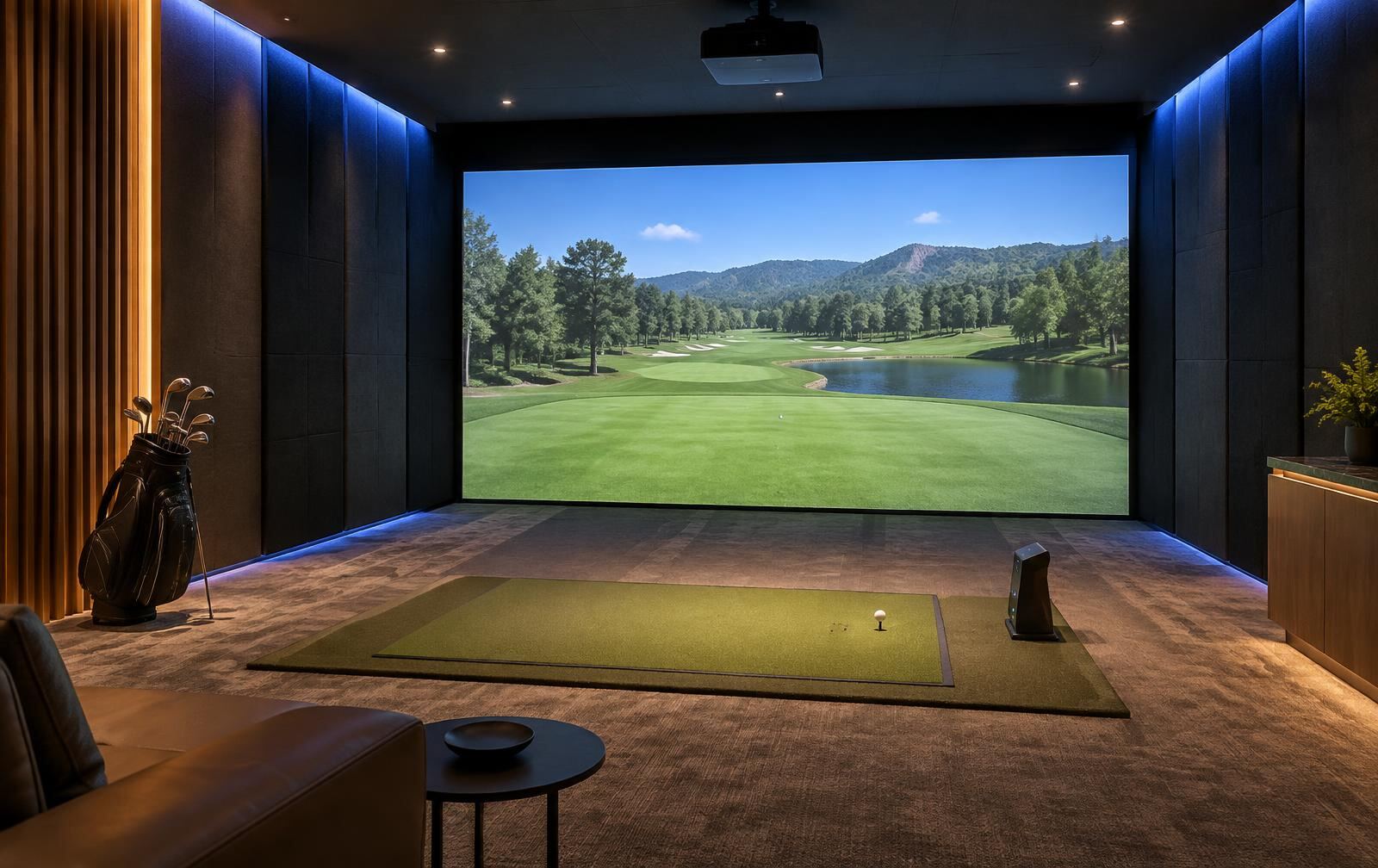
The first question in almost every golf simulator enquiry I get isn't 'which launch monitor should I buy' — it's 'will this room even work'. That's the right question, and it's the one I answer first. A simulator room has two separate physical requirements that have nothing to do with brand preference: enough clear space for a full, unrestricted golf swing with the longest club that will be used, and proper impact protection and containment for where the ball actually travels. Get either one wrong and no amount of software or screen quality fixes it.
I don't quote generic room dimensions in this article, because the right numbers depend entirely on which launch monitor and simulator system you're planning to use — different units sit in different positions relative to the ball and have different tracking requirements. What I do here is show you how I check feasibility properly, against the specific manufacturer's own published guidance, rather than a rule of thumb from a forum post.
Swing clearance: check it for the actual room, not a brochure diagram
Swing clearance has to account for the tallest, longest-levered golfer who will realistically use the room, swinging their longest club, not an average figure. Launch monitor manufacturers publish their own room dimension guidance precisely because their hardware's tracking positions and the swing space it assumes differ between models — Trackman, for example, publishes specific room height, ball-flight distance and ball-to-device distance guidance for its own units, with stated minimum and optimal figures for a single bay [1] [2].
Garmin, as another example, publishes its own placement guidance for the Approach R10, covering how it should be positioned relative to the ball indoors [3]. The point isn't that one brand's numbers are better than another's — it's that you need to check the specific unit you intend to use, in writing, before committing to a room, rather than assuming simulator room requirements are interchangeable between manufacturers.
- Identify the exact launch monitor/simulator model being considered before measuring anything — don't assume one brand's room guidance applies to another's.
- Check the manufacturer's current published room requirements for height, depth and device placement, and treat 'minimum' figures as just that — a minimum, not a target.
- Measure clearance with the actual intended golfer(s) and their longest club, accounting for ceiling fittings, beams, light fixtures and ductwork that a drawing might not show.
- Check side clearance as well as overhead clearance — a swing needs room to the sides and behind, not only above.
- Re-check clearance after any changes to flooring, matting thickness, or tee placement, since these all shift the golfer's effective height and position.
Impact protection: plan it as a system, not just a screen
The screen or net a ball strikes is only one part of impact protection. I think about the whole flight path: what's immediately around the screen, what's above and beside it, and what happens if a shot is mis-hit and travels somewhere other than straight ahead. Manufacturer installation guidance typically specifies clearance to leave directly behind an impact screen, and this exists for a reason — it accounts for how far the screen or netting can deflect on impact, not just where it sits at rest.
I also think about the room's contents, not just its structure: light fittings, exposed cabling, glazing, and anything fragile within the plausible mis-hit cone need to be addressed before the room is used, not after an incident. This is a case where I'd always rather over-protect a wall or ceiling than assume every shot will be well struck.
- Confirm the manufacturer's recommended clearance behind the impact screen and treat it as a minimum, not a nice-to-have.
- Protect side walls and ceiling areas within credible range of a mis-hit, not just the area directly behind the screen.
- Keep light fittings, cameras, sensors and cabling out of the direct and mis-hit impact zones, or properly guarded if they can't be relocated.
- Use flooring and matting rated for the intended use, and check it doesn't change swing geometry in a way that reduces your checked clearance.
- Review impact protection again if you ever change launch monitor position, screen size, or hitting mat thickness.
Where I bring in other trades, and what I check myself
Any mains electrical work for projectors, launch monitor power, or room lighting must be carried out by a qualified, licensed electrician in line with local regulations — I plan device locations and power requirements, but I don't do electrical installation myself. Before any ceiling mount, wall fixing, or structural change is made for a launch monitor or screen, I also check that specific manufacturer's current installation documentation, since mounting heights, bracket types and clearances are updated between hardware revisions and shouldn't be assumed to carry over from an older model or a different product line.